
Import from TikTok
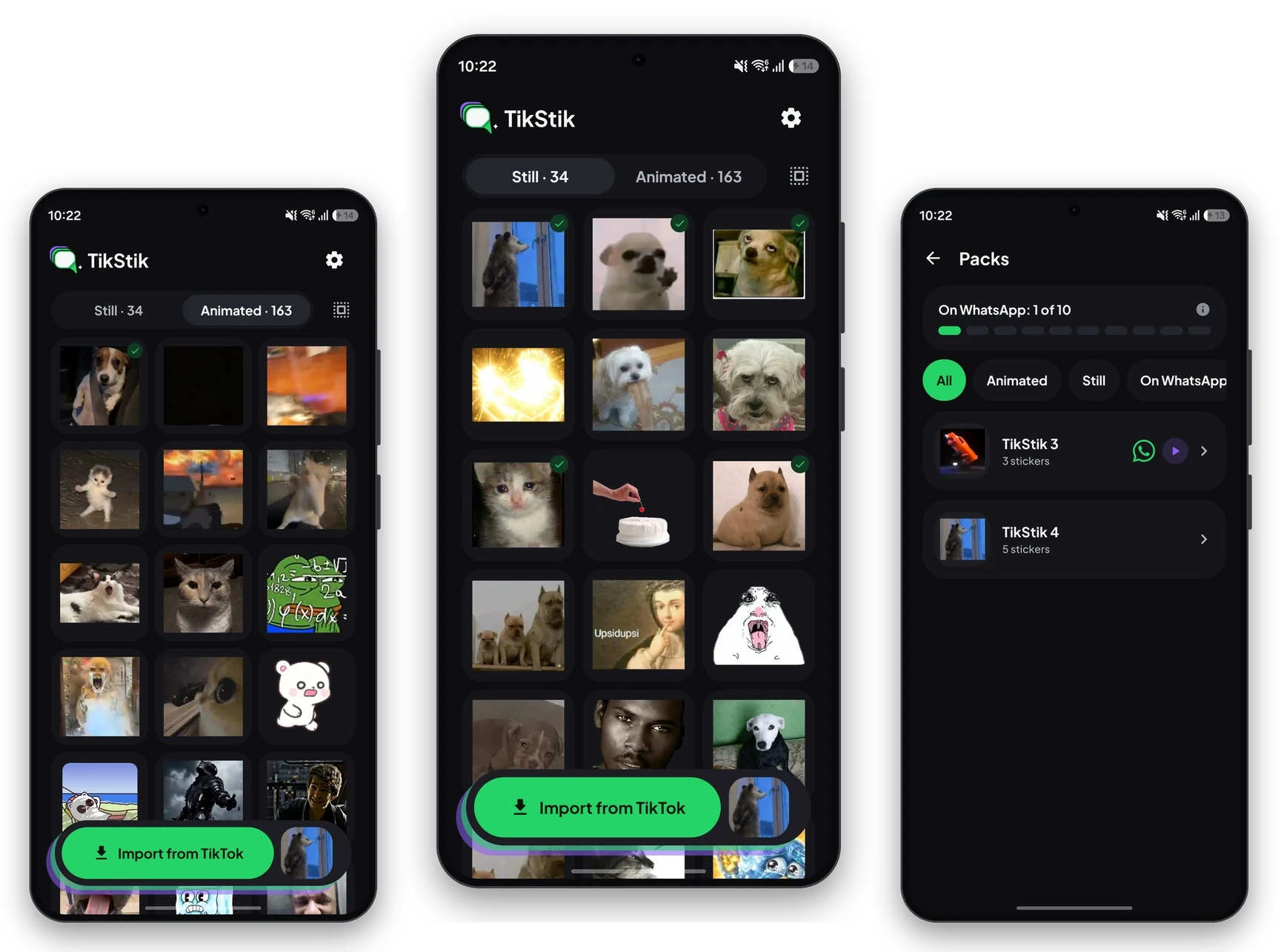
The stickers you saw or saved on TikTok, still and animated, straight from your phone. You choose which ones to keep.
For Android 8.0 and newer
The stickers you see on TikTok, turned into WhatsApp packs with one tap. Everything stays on your phone.
Free · Open source · No ads




What it does
Import, sort and share. No account, no ads and no servers in between.
The stickers you saw or saved on TikTok, still and animated, straight from your phone. You choose which ones to keep.
Sorted by what you saw last, so the new ones are always on top.
From 3 to 30 stickers, for WhatsApp or WhatsApp Business. Change a pack and WhatsApp gets the change.
Optional. Your packs come back with you on a new phone, and the backup goes to a private folder that only TikStik can see.
It tells you when there is a new version and installs it with Android’s installer. Your stickers and packs stay.
How it works
Android does not let one app read another app’s files. TikStik uses a door Android leaves open on purpose: wireless debugging.
Turn on wireless debugging and type the six-digit code Android shows you. The app walks you through every step.
TikStik looks in TikTok’s cache on your own phone and shows you what it found. Debugging is on only while importing.
Pick stickers of the same kind and send the pack to WhatsApp. TikStik converts them to what WhatsApp requires.
Android 8, 9 or 10? There the cache can be read directly, so TikStik only asks for the storage permission.
Videos
Privacy
TikStik has no servers. What you import, what you keep and what you send to WhatsApp stays on your phone.
TikStik is free and will stay free, with no ads. If you find it useful, you can help me keep it going.


It is open source: anyone can check what it does. It has no servers, no ads and no analytics, and it reads TikTok’s cache only to find your stickers. Updates install only when they are signed with the same key as the version you already have.
Android does not let one app read another app’s files. Wireless debugging is the tool developers use to talk to their phone over Wi-Fi, and TikStik uses it to read TikTok’s cache on your own phone. It turns it on only while importing and off again afterwards.
Even better: on those versions the cache can be read directly. TikStik only asks for the storage permission, with no debugging and no Wi-Fi.
From the app itself. At most once a day it asks GitHub whether there is a new version and, if there is, it tells you and installs it with Android’s installer. Your stickers and packs stay. You can turn the check off in Settings.
Yes. You can add your packs to WhatsApp, to WhatsApp Business or to both.
No. You only sign in with Google if you want the backup in your Drive.